The decision between Registered DIMM and UDIMM is critical for optimizing your system's performance. According to a recent report by Market Research Future, the global memory modules market is expected to grow significantly, reaching USD 133.2 billion by 2026. This highlights the increasing relevance of memory technologies in various applications.
Registered DIMM (RDIMM) and Unbuffered DIMM (UDIMM) serve different needs, demanding careful consideration. RDIMMs are favored in servers and high-performance computing because they offer higher stability and scalability. Research indicates that servers equipped with RDIMMs can support more memory slots, reducing the chance of data loss. Meanwhile, UDIMMs are widely used in personal computers due to their affordability and simplicity.
Choosing between Registered DIMM vs UDIMM can feel overwhelming. The complexity often leads to second-guessing and reconsidering options. Yet, understanding their specifications is essential to ensuring your system meets both current and future demands. By weighing the pros and cons, you can make a more informed decision.
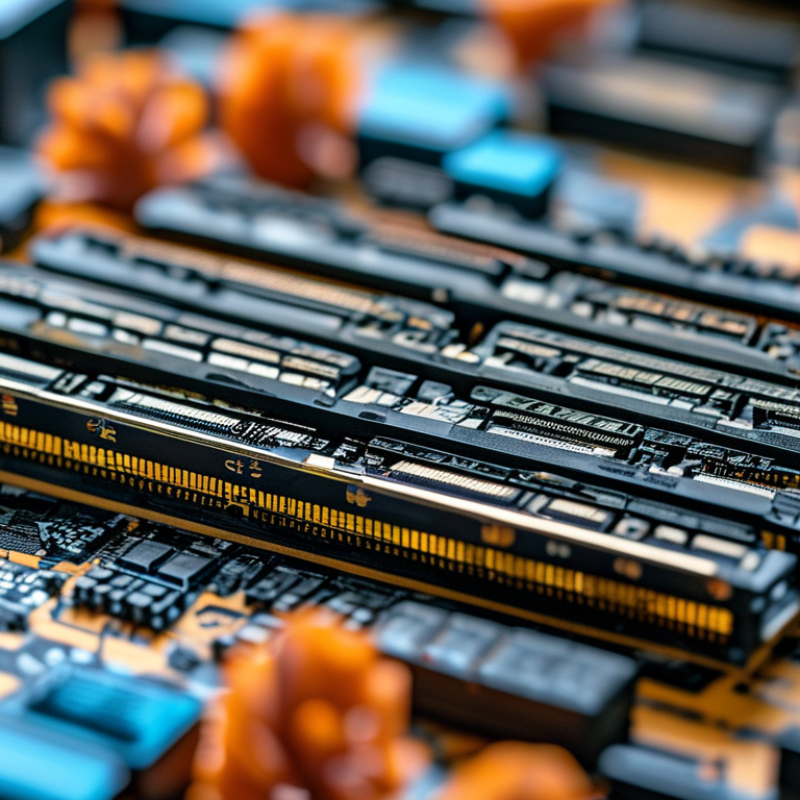
When it comes to choosing between registered DIMMs and UDIMMs, understanding their core differences is essential. Registered DIMMs, or RDIMMs, have a register, which helps manage signals. This feature is especially beneficial in systems that require high stability and scalability. On the other hand, UDIMMs are unbuffered memory, providing faster access speeds but potentially causing signal integrity issues in larger configurations.
One important factor is scalability. Registered DIMMs can support larger memory configurations, making them suitable for servers and workstations. However, they might come at a higher cost. For systems that do not demand extensive memory, UDIMMs could be the right choice, offering a more budget-friendly option. The trade-off lies in balancing performance with the specific needs of your applications.
Compatibility is another area to consider. Not all motherboards support both types of DIMMs. This limitation can lead to mismatches that hinder performance. Before making a decision, researching your motherboard specifications is crucial. Ultimately, the choice between RDIMM and UDIMM requires careful consideration of your unique use case, memory requirements, and budget.
| Tip | Registered DIMM | UDIMM |
|---|---|---|
| 1. Check Compatibility | Ideal for servers and high-performance computing. | Commonly used in desktops and laptops. |
| 2. Evaluate Stability | More stable due to registered buffers. | Less stable under high loads. |
| 3. Consider Your System's Purpose | Best for multi-processor systems. | Suitable for single processor tasks. |
| 4. Performance Needs | Higher performance for enterprise applications. | Good performance for everyday tasks. |
| 5. Price Consideration | Typically more expensive. | More budget-friendly options available. |
| 6. Memory Capacity | Supports larger memory capacities. | Limited capacity compared to registered DIMMs. |
| 7. Power Usage | Uses more power due to extra circuitry. | Generally lower power usage. |
| 8. Heat Generation | May generate more heat under load. | Tends to run cooler. |
| 9. Upgrading Path | Easier to upgrade in registered configurations. | Limited scalability options. |
| 10. Check Manufacturer's Specs | Always refer to server documentation for best results. | Review specifications for best compatibility. |
: Registered DIMMs have a register for managing signals, offering stability. UDIMMs are unbuffered, providing faster access but less stability.
Registered DIMMs are generally better for servers. They support larger memory configurations and enhance stability in demanding applications.
Yes, UDIMMs are budget-friendly. They are suitable for casual use and everyday tasks without high performance requirements.
Registered DIMMs tend to be more expensive. Consider whether the investment will lead to significant performance gains for your needs.
Compatibility ensures your chosen RAM type works with your system. Mismatched DIMMs can lead to instability or failure to boot.
The manual details supported RAM types, maximum memory size, and speed. This information is crucial before making a DIMM choice.
Yes, using an incompatible DIMM may lead to system instability, crashes, or failure to boot properly.
A low-cost option may save money now but could require replacement sooner, leading to higher long-term costs. Think ahead.
The trade-off is between cost and performance, balancing immediate budget needs with long-term stability and scalability requirements.
Evaluate your specific use case, carefully check compatibility, and consider your budget and future needs for optimal performance.
When choosing between Registered DIMM and UDIMM, it's essential to understand their key differences and evaluate your specific performance needs. Registered DIMMs are typically used in systems that require higher memory capacity and stability, making them ideal for servers and workstations. In contrast, UDIMMs are generally more suitable for standard consumer desktops due to their lower cost and ease of installation.
Cost considerations also play a significant role in your decision-making process, as Registered DIMMs tend to be more expensive than UDIMMs. Additionally, compatibility factors related to your motherboard and overall system requirements must be assessed. Future-proofing your memory choices can help ensure longevity in your system, leading to better performance and efficiency over time. Ultimately, understanding the nuances of Registered DIMM vs UDIMM will empower you to make a more informed selection based on your requirements.

 Memvora